DevOps best practices: Setting up CI/CD pipelines
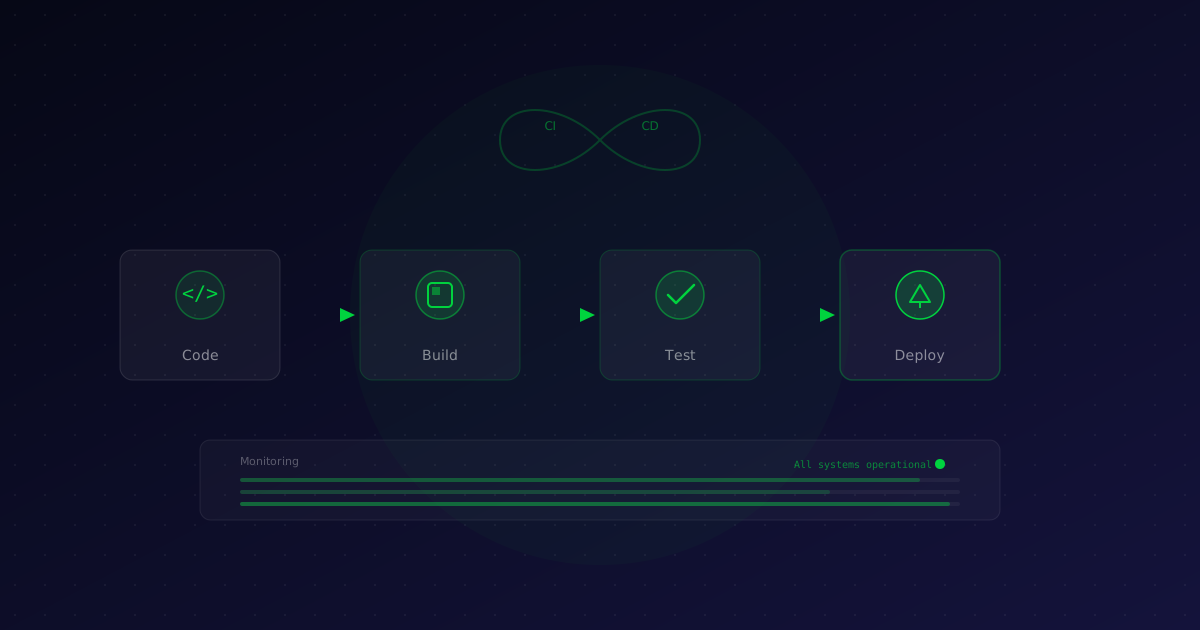
At Zodi Innovations, we deploy to production multiple times daily. That's only possible with a robust CI/CD pipeline that we fully trust. In this article, we share our best practices for setting up such a pipeline.
What is CI/CD?
Continuous Integration (CI) is the practice of frequently integrating code changes into a shared repository. Each integration is automatically validated by builds and tests.
Continuous Delivery (CD) goes a step further: each successful build can be automatically deployed to a staging or production environment.
Our 7 best practices
1. Automate everything
If something needs to be done manually, it will go wrong sooner or later. Automate not only builds and tests, but also code quality checks, security scans and database migrations.
# Example GitHub Actions workflow
name: CI/CD Pipeline
on: [push, pull_request]
jobs:
  test:
    runs-on: ubuntu-latest
    steps:
      - uses: actions/checkout@v4
      - name: Run tests
        run: composer test
      - name: Static analysis
        run: composer phpstan
      - name: Security check
        run: composer audit
2. Keep builds fast
A slow pipeline kills productivity. Aim for builds under 10 minutes. Use dependency caching, parallel test execution and incremental builds where possible.
3. Test at multiple levels
A good pipeline contains unit tests, integration tests and a limited set of end-to-end tests. The test pyramid also applies to your pipeline: many fast unit tests at the base, fewer but broader integration tests, and a handful of e2e tests at the top.
4. Use feature branches and pull requests
Never work directly on the main branch. Use feature branches with pull requests. The CI pipeline runs automatically on every PR, so reviewers know the code works before giving approval.
5. Implement staged deployments
Don't deploy directly to production. Use a staging environment that is as close to production as possible. Automate the deployment to staging and use manual approval gates for production.
6. Monitor after every deploy
A successful deployment is not the end. Monitor key metrics (response times, error rates, resource usage) after every deploy. Implement automatic rollbacks when metrics fall outside acceptable boundaries.
7. Document and version your pipeline
Treat your CI/CD configuration as code. Store it in version control, review changes via pull requests and document the architectural decisions.
Tools we recommend
- GitHub Actions — Excellent integration with GitHub, flexible workflows
- Docker — Consistent build environments
- Terraform — Infrastructure as Code for reproducible environments
- ArgoCD — GitOps-based Kubernetes deployments
Conclusion
A good CI/CD pipeline is not a luxury but a necessity. It increases the quality of your software, accelerates your release cycle and gives your team confidence with every deployment. Start small, automate step by step and build on what works.
Want help setting up or improving your CI/CD pipeline? Get in touch with our DevOps team.
Recent articles
Insights, best practices and technical depth from our team.
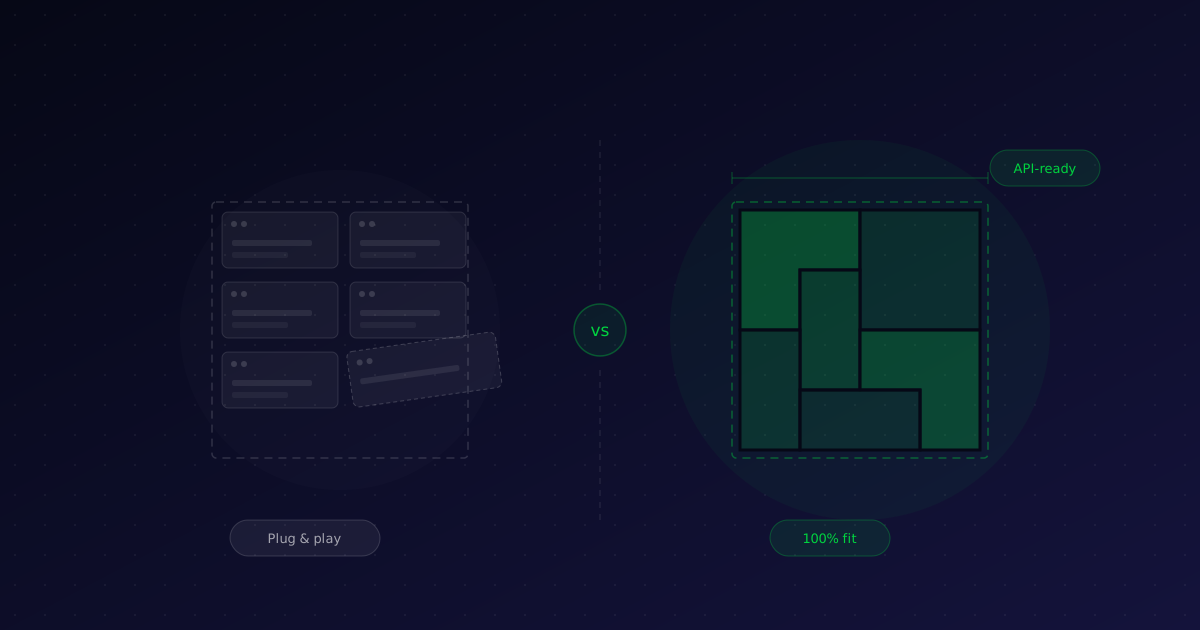
Custom software or off-the-shelf: how do you choose?
Buy an off-the-shelf package or have software built to measure? It is one of the most important IT decisions for an SME. We offer an honest decision framework — with examples from our own practice.
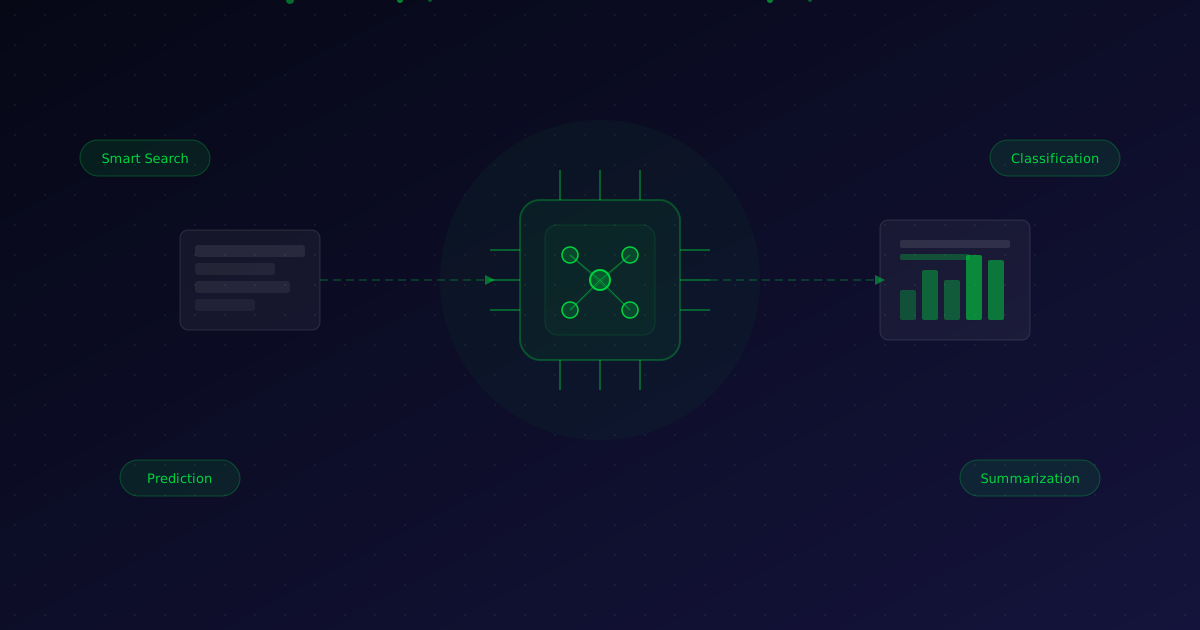
Integrating AI into your existing software: a practical guide for SMEs
AI doesn't have to be science fiction. We show how SMEs can practically implement artificial intelligence in their existing applications — without rebuilding everything.